Written by
The Thunkable Team
Published on
March 17, 2026
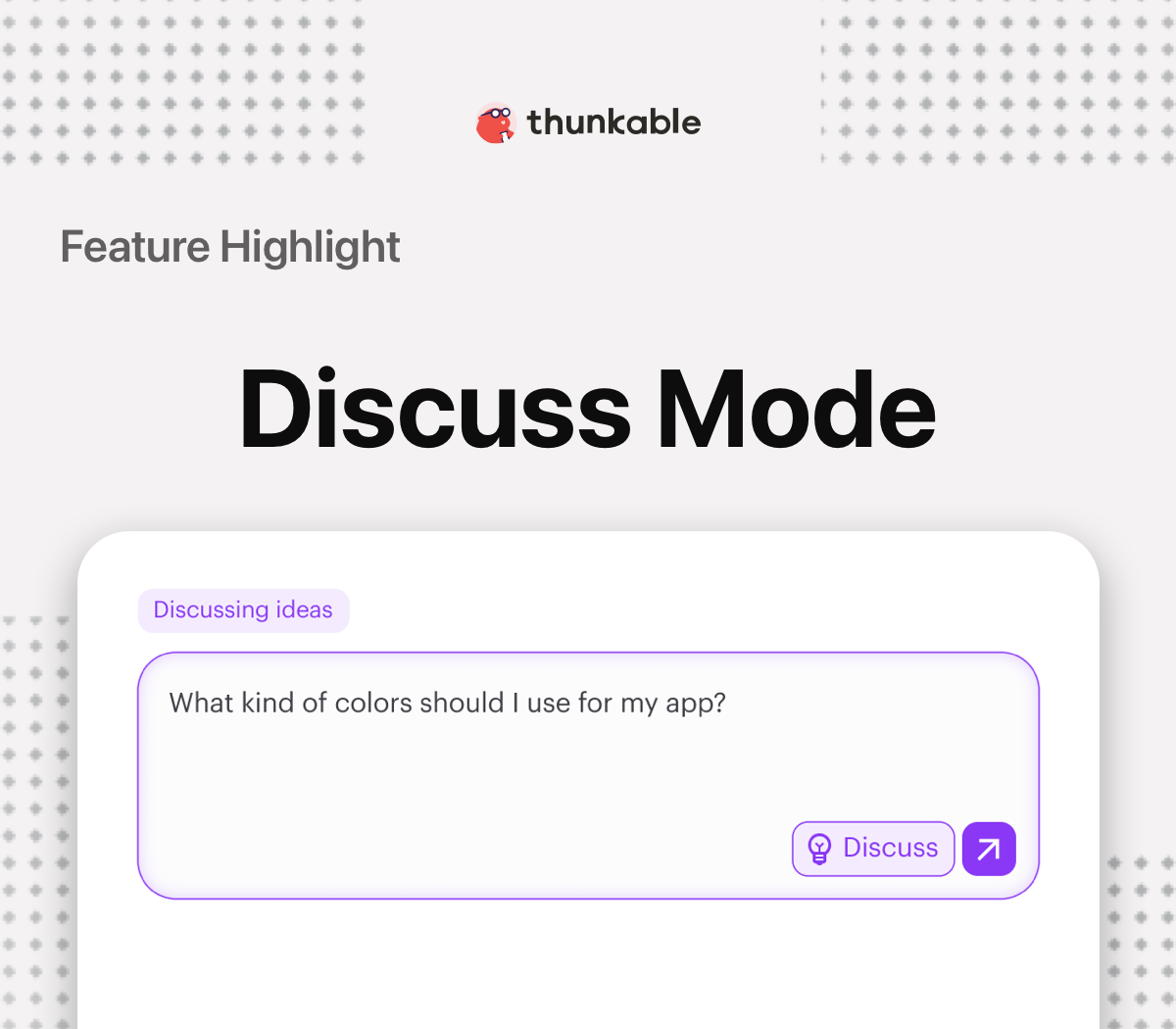
Our research shows that users who build with Discuss Mode have higher success with their projects than those who don't use the feature.
Discuss Mode lets you plan features, updates, and ask questions about the app without making changes to the app’s code. Planning your next change with the AI agent in Discuss Mode makes your build experience more predictable, lowers the token cost for development and improves the overall quality of your app.
Builders who use Discuss Mode experience improved:
Once you’ve planned the next update for your app, you can return to Build Mode to implement the changes or make the changes directly from Discuss Mode.
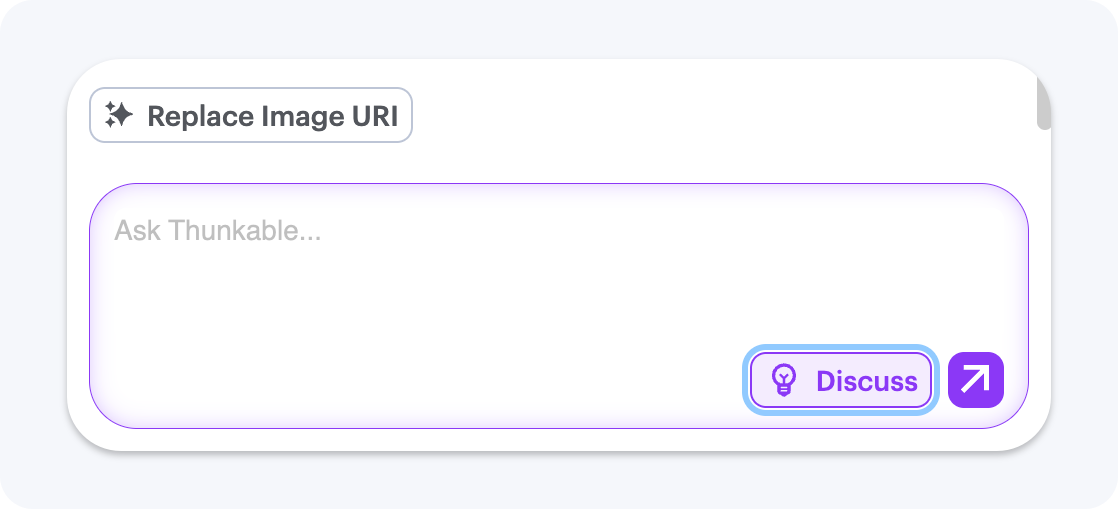
Click the Discuss button in the prompt box to switch to Discuss Mode. When it’s active, the button and prompt box will turn purple.
Prompts sent in Discuss Mode won’t change your code. This lets you explore ideas, ask questions, and plan changes before applying them.
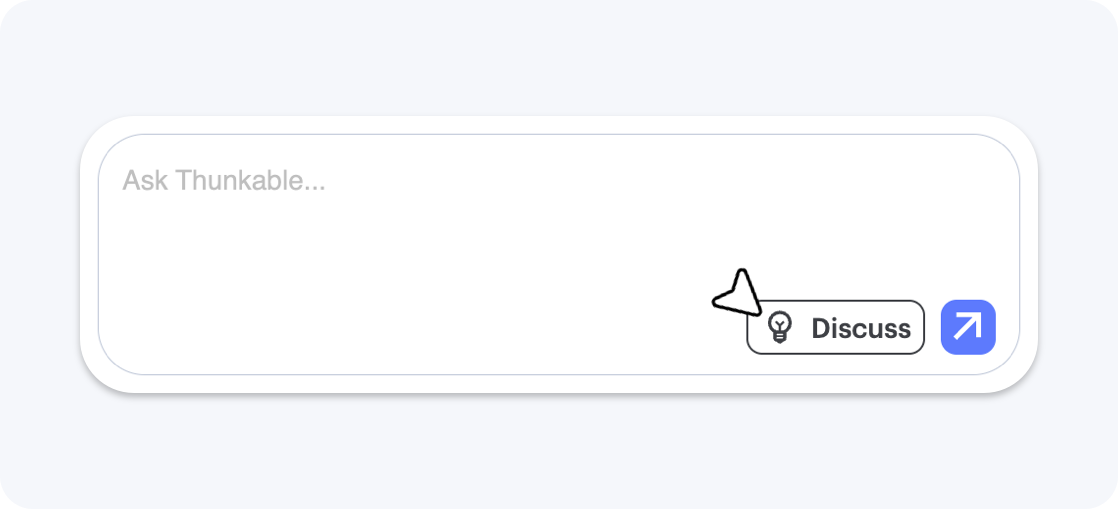
Plan the next iteration of your app by asking how to make the next change. Based on your prompt, Discuss Mode will ask clarifying questions or outline the subsequent code change the builder would make.
Continue to refine the requirements until you’re satisfied with the next planned move. When you’re ready to implement the next change, you can do so directly from Discuss Mode or return to Build Mode and make your change.
Below are examples of Discuss Mode prompts from our users to build their apps:
"I want a different app style. Can you recommend some different styling and fonts for my app?"
"I want a cleaner layout for this screen, can you suggest some changes?"
"I like the color blue, what are some colors that go well with blue that I can use as the color scheme for my app?"
"I want to add a new screen, can you walk me through the steps to implement it?"

If you’re an administrator or requesting multiple licenses for your school or district, our team will follow up with you directly to learn more and help set up the right Education plan. We’ll work with you to make sure Thunkable is the best fit for your districts/classrooms.
We also offer special discounts for individual students and educators. Apply below, and you’ll receive a promo code via email to claim your discounted Thunkable Education plan.

.png)
.jpg)

.png)

.png)



Your idea can be live today.
